 DuoApps
Notes on iPhone Duo: what Apple shows
Apple shows Notes on the inner display of iPhone Duo, in a split view: the list of notes on one side, the open note on the other. Fully open, the list is narrower than the note; partially folded, the split view gives both columns the same width on its own. Apple also names New Note among the actions to keep visible the longest.
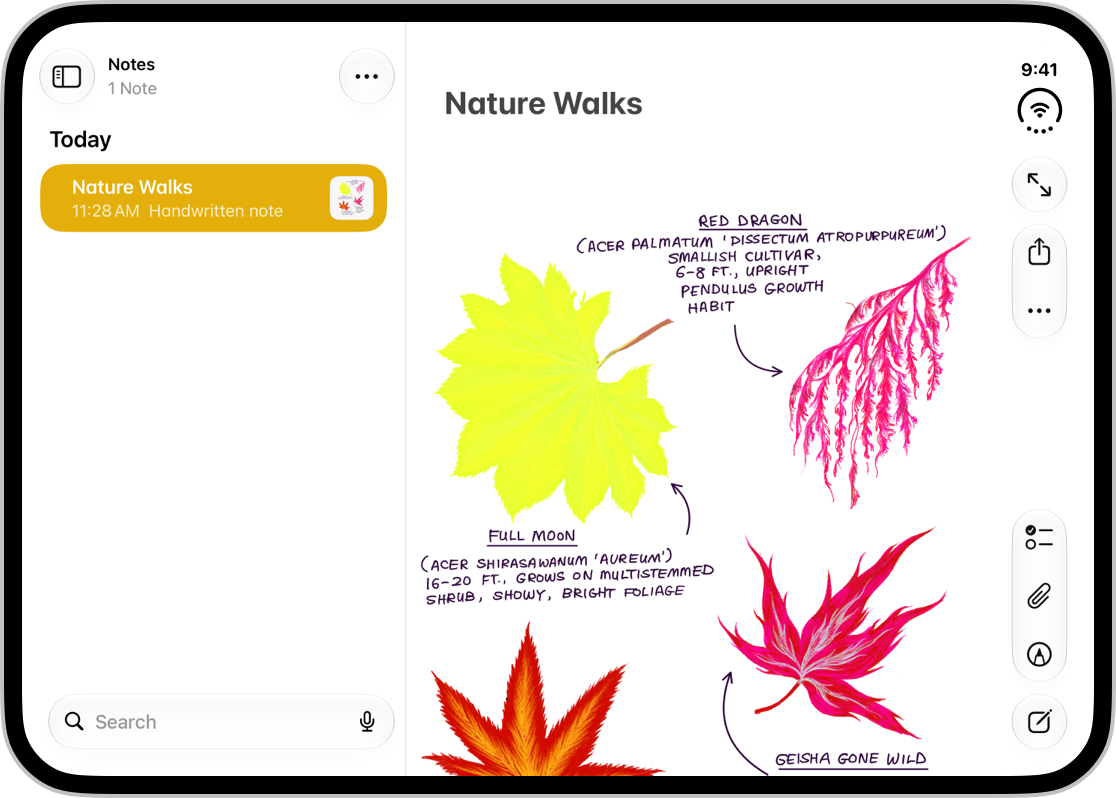
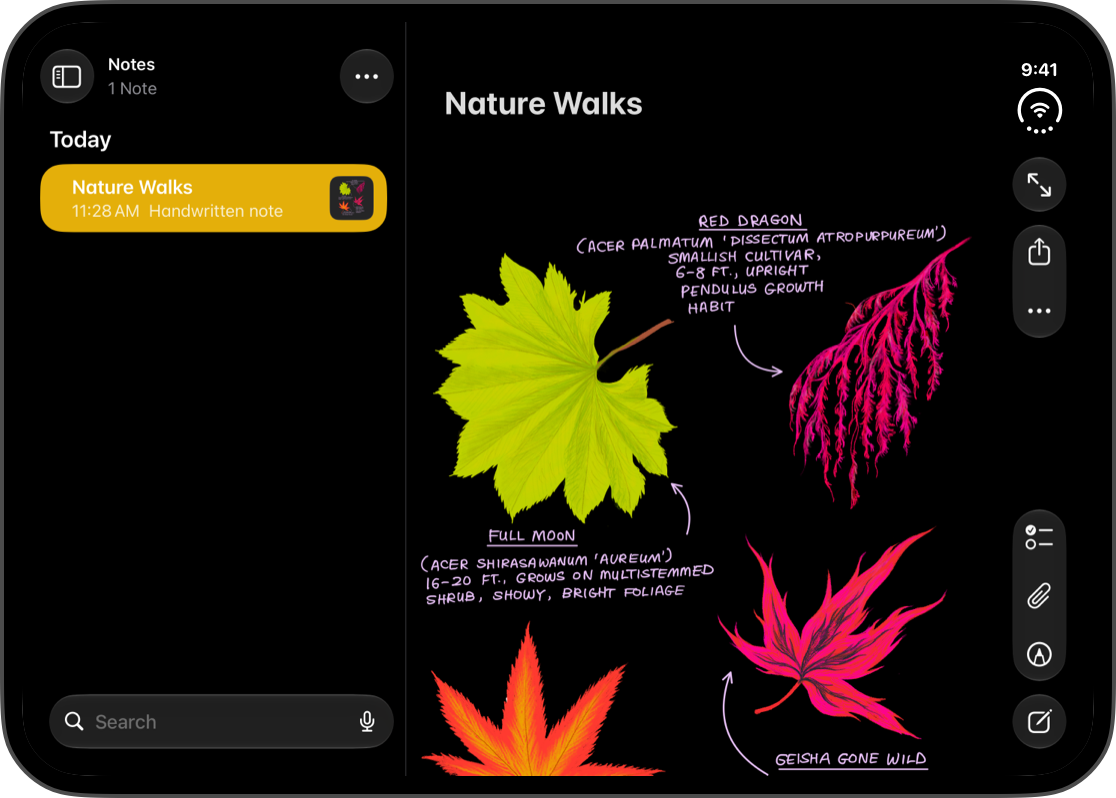
Fully open
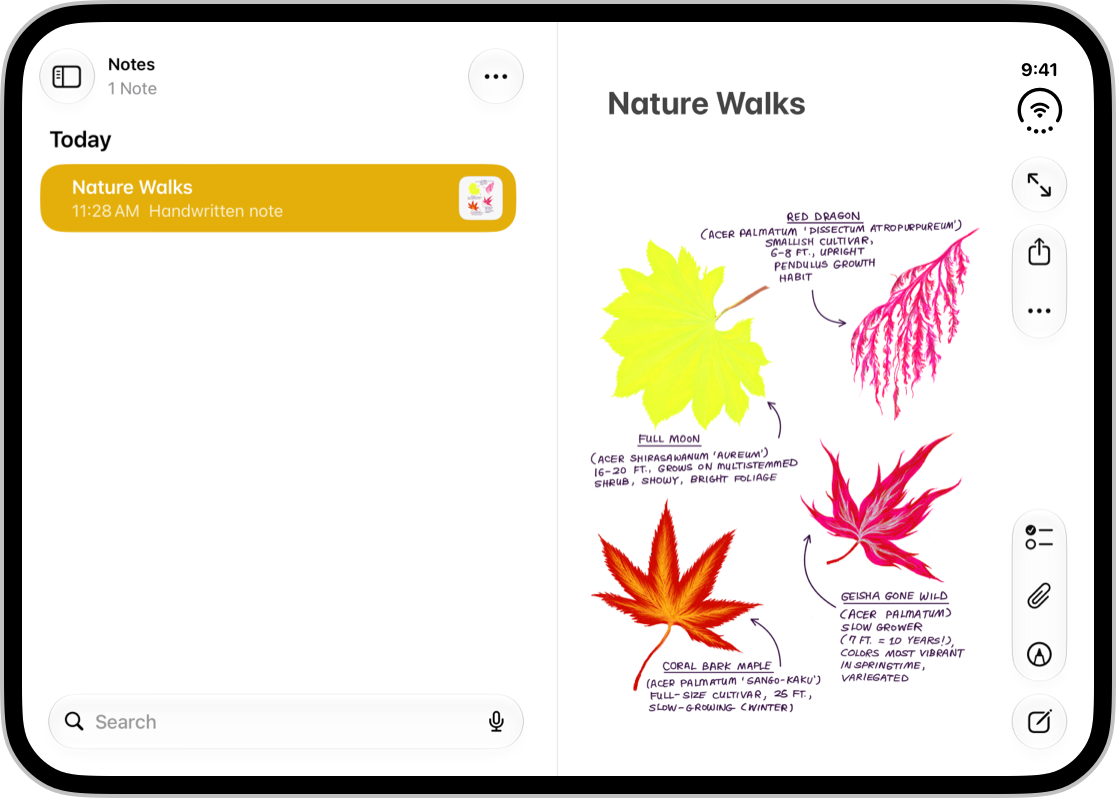
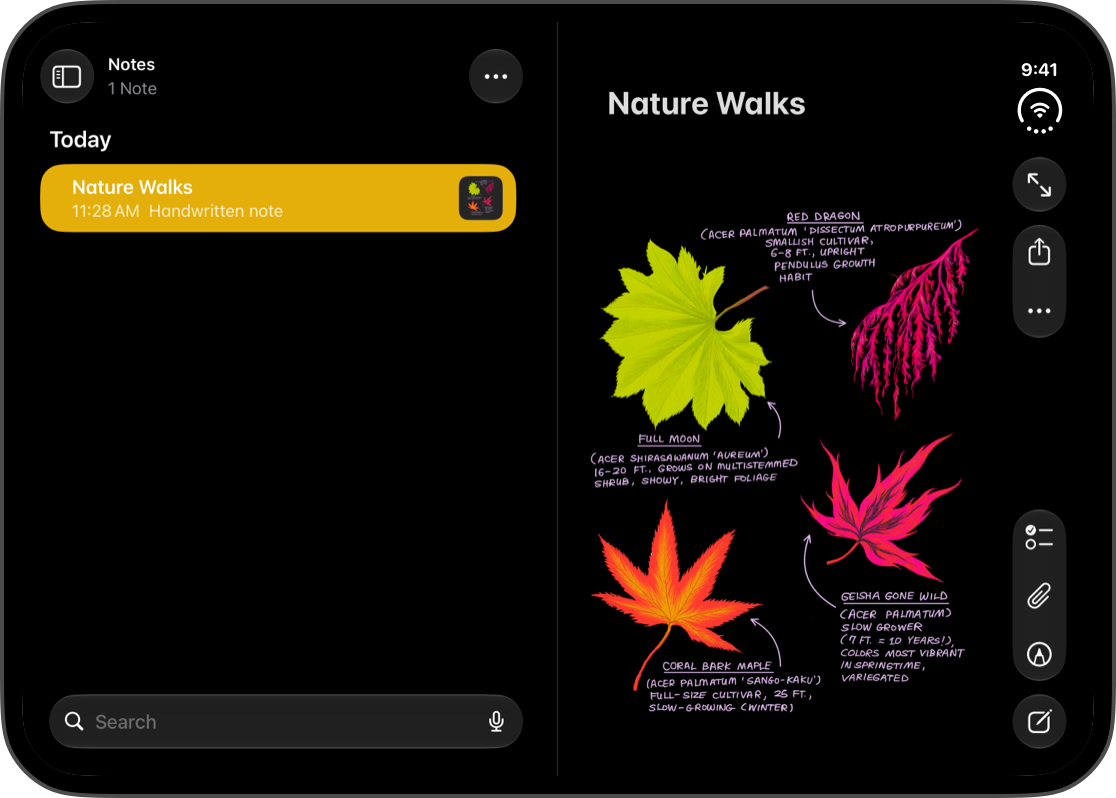
Partially folded
What it illustrates
- Don’t stretch · List and grid · Fold
This check asks for an even number of columns, so content divides at the fold; the HIG says so in the same paragraph as the Notes example. In the image on the right, partially folded, the split view’s two columns are the same width, one on each side of the fold: the system adjusts them. - Where the bars go · Rule 7
The Tech Talk Raise the bar with iPhone Duo uses Notes as an example of a side column of controls that holds a toolbar (3:15); this rule says in what order the system arranges the items there. - Don’t stretch · Article, detail page · Bars
The app sets the order in which its actions move into the overflow menu by giving each one a priority; New Note is Apple’s example of an action to keep visible the longest (Raise the bar with iPhone Duo, 13:54).
What Apple says about it
When the device folds, Apple recommends a container that adapts on its own, like the split view in Notes, which adjusts the width of each column so it stays clearly visible. For a grid, Apple recommends, in the same paragraph, an even number of columns so content divides cleanly.
Built with standard components, split views adapt to reserved regions on their own: they adjust the width and margins of their columns to the fold, following the symmetry of the inner display.
Apple describes the same behavior with Reminders: in an app with a split view, the system keeps both columns visible by adjusting their width and dividing the space equally.
On the side, navigation, the toolbar, and the tab bar share one region, as if the bars turned 90 degrees into a vertical stack. Depending on the app, that stack holds different items: in Notes, a toolbar; in Clock, a tab bar; in Fitness, both.
Frequently used actions, like New Note in Notes, should be among the last to move into the overflow menu, and items with badges stay visible longer.
What the source doesn’t say
- The width of the list when the device is fully open: Apple shows it narrower than the note without giving the rule.
- Where the controls of Notes sit in these two screenshots: the HIG comments on the width of the columns, not on the bars.
- The other poses: Notes closed, on the outer display, or the device propped up on a table. The HIG only shows the inner display, fully open and then partially folded.
- The Notes team’s own reasons: Apple gives the goal, keeping each column clearly visible as the device folds, not the detail of its choices.
FAQ
How does Notes adapt when you fold iPhone Duo?
Its split view adjusts the width of its columns on its own: fully open, the list of notes is narrower than the note; partially folded, both are the same width. Apple recommends this kind of container, which adapts to the fold on its own (Human Interface Guidelines).
Does the New Note button in Notes move into the overflow menu on iPhone Duo?
Only among the last: Apple names it among the frequently used actions that should stay visible the longest when space runs short. The app sets that order by giving its items a priority (Raise the bar with iPhone Duo, 13:54).
Sources
- Designing for iPhone Duo, Apple Human Interface Guidelines, September 9, 2026
- Strike a pose with adaptive layouts on iPhone Duo, Apple Developer, Tech Talk
- Raise the bar with iPhone Duo, Apple Developer, Tech Talk
- Notes icon: App Store, Apple